How to Run an Online Creative Session: Staying Focused with Synchronized Interval Timers
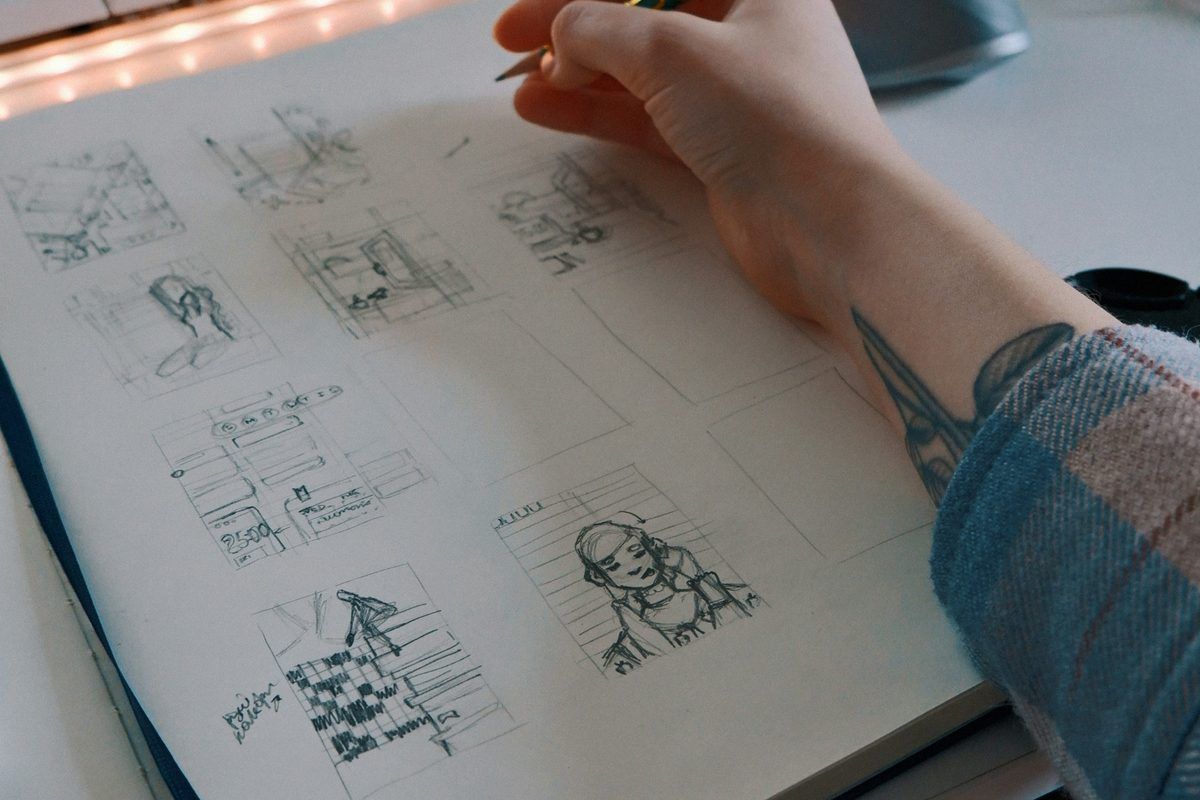
Whether preparing a publication for an upcoming convention, drafting chapters of a novel, or finalizing illustrations, setting up an online "sprint" or "creative camp" with friends is one of the most effective ways to stay productive.
Yet anyone who has hopped into a casual Discord or voice call knows the common pitfall: someone asks a casual question, a tangent unfolds, and three hours later, virtually zero progress has been made. The desire for companionship ends up undermining the work itself.
In this guide, we analyze why unstructured voice calls frequently derail creative work and demonstrate how synchronized interval timers (Pomodoro rhythms) and low-noise ambient environments keep teams aligned and on schedule.
1. The Hidden Trap of Unstructured Voice Calls
Losing focus during an online work session is rarely a matter of poor personal discipline. Rather, it is typically a structural consequence of how standard voice platforms are designed.
Silence Feels Socially Awkward
On standard calling apps, prolonged silence can feel unnatural. Participants subconsciously wonder if the connection dropped or feel an obligation to entertain their peers. Casual banter often starts simply to bridge quiet gaps, fracturing deep cognitive flow.
Break Times Lack Natural Endpoints
When someone says, "Let's take a quick 5-minute break," nobody wants to be the taskmaster who interrupts thirty minutes later to say, "Time to get back to work." Without an impartial external boundary, informal breaks naturally drift into lengthy discussions.
2. The Fix: Let a Shared Clock Lead the Rhythm
The simplest way to maintain focus without awkwardness is to hand over the responsibility of pacing to an automated, room-synchronized timer.
- Clear Near-Term Goals: Knowing that a 25-minute block has a definite endpoint encourages short, concentrated sprints—like finishing a single panel, background render, or page edit.
- Structured Social Windows: During work blocks, all microphones remain muted. When the meditation bell rings to mark the 5-minute break, participants unmute, stretch, share their incremental progress, and chat freely.
- Frictionless Resumption: When the bell chimes again, everyone returns to silence automatically. No individual has to play the enforcer.
3. Designing a Session with keensense Room Pro
keensense Room Pro was engineered specifically to facilitate deep, low-friction focus sessions among small creative groups and study circles.
① Visual Stillness: Generative Nature Over UI Clutter
Opening video streaming sites or social dashboards introduces algorithmic recommendations, notifications, and advertising. keensense generates living nature scenes—such as glowing campfires, tranquil starry nights, or gentle rainfall—directly in WebGL. It serves as a soothing, static backdrop on a secondary display or tablet without drawing the eye away from your work.
② Room-Synchronized Timers and Singing Bowls
When the room host triggers a 25-minute work cycle, every attendee's display counts down synchronously in real time. At the boundary, a gentle meditation bowl sounds. Each participant retains full local control over the chime volume (0% to 100%) or can mute it entirely to accommodate background music.
③ One Pro Host Covers the Entire Room
Only the session organizer needs an active Pro license. All invited guests enjoy unlimited voice calling, timer synchronization, and private room protections without paying or signing up.
④ Room Passcodes for Private Circles
Organizers can lock their room with an optional passcode, allowing close collaborators or private discord circles to meet securely without unexpected guests dropping in.
4. Sample 3-Hour Creative Sprint Schedule
Here is a reliable framework for running a weekend or evening production session:
- Check-in (10 mins): Gather in the room. Each person briefly declares their target milestones for the evening via chat or voice.
- Cycles 1–3 (25 mins work / 5 mins rest): Work silently while the timer runs. Use the 5-minute breaks to hydrate, stretch, and check off completed items.
- Mid-Session Recharge (15 mins): After three cycles, take a slightly longer break to step away from screens and refresh tea or coffee.
- Wrap-up (5 mins): Compare notes on completed tasks, celebrate milestones, and close your tabs.
5. Calm Spaces for Meaningful Work
Creative work often demands hours of solitary effort, but knowing that trusted peers are working quietly in the same rhythm can transform isolation into steady momentum.
By replacing loud social media feeds with natural acoustics and synchronized timers, you can protect your attention and cross the finish line together.