What to show on a dental chair ceiling monitor: glare, sound, and patient calm
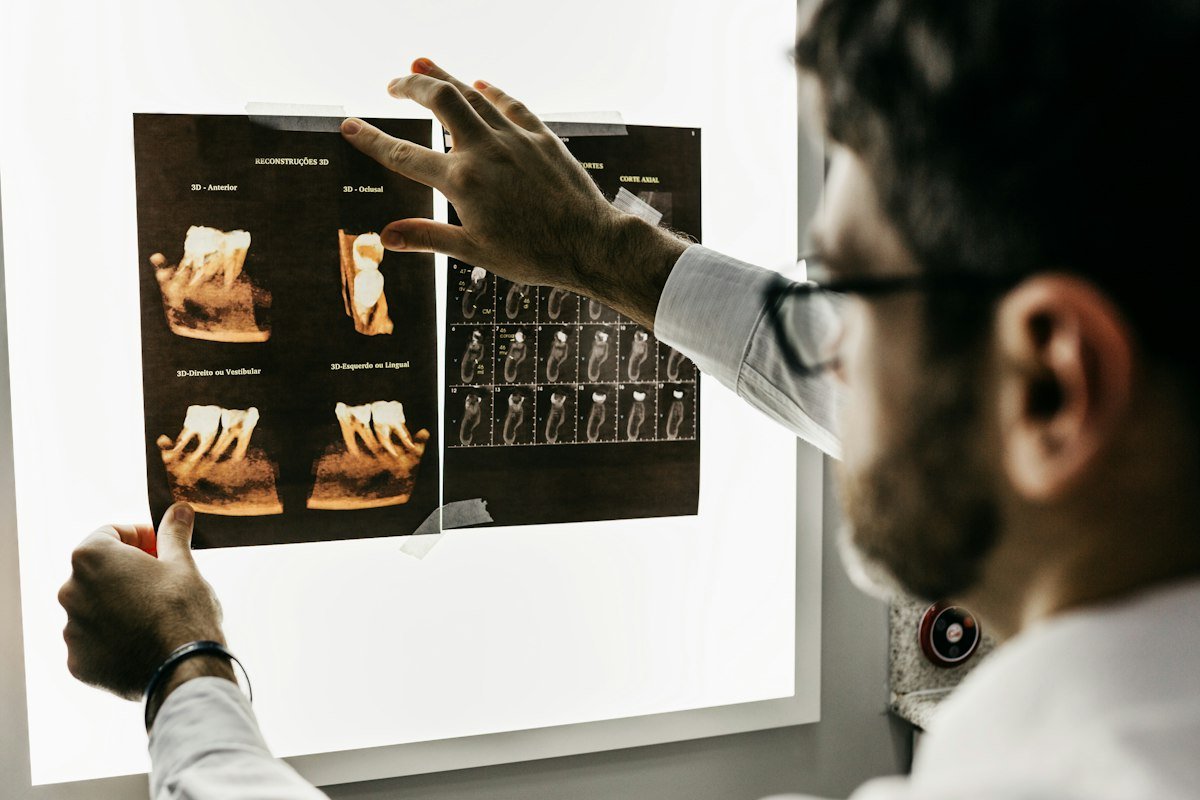
Many dental clinics mount a second monitor high on the wall or directly on the ceiling above the dental chair. While the chairside monitor is used for X-rays and intraoral photos before and after treatment, the overhead screen is what the patient looks at while reclined with their mouth open.
How an overhead operatory screen differs from a waiting-room TV
- The patient cannot move their head or laugh: During scaling, fillings or root canal work, even a small head movement or chuckle from a comedy show makes treatment harder. Fast camera motion can also feel dizzying when lying flat on your back.
- Sound from the monitor cannot compete with handpieces and suction: High-speed handpieces and high-volume evacuators are loud, and the dentist and assistant need to speak to the patient ("open a little wider", "bite down"). An overhead monitor almost always needs to work well on mute, without relying on dialogue or subtitles.
- Patients open and close their eyes throughout the appointment: Some patients close their eyes during anesthesia and open them during polishing. A scene with no plot lets them look up at any moment and look away whenever they wish.
What research on nature views and pain suggests
A 2026 systematic review and meta-analysis of 62 studies in Nature Mental Health (Steininger et al., 2026) found that exposure to nature—including virtual and screen-based nature—was associated with lower self-reported pain during procedures and painful stimuli, while noting that effect sizes vary and blinding is difficult in such studies.
In a dental chair, a calm view overhead acts less like entertainment and more like a skylight: something soft for the eyes to rest on instead of acoustic ceiling tiles or the operating light.
Practical checks: glare, mounting and wiping down
- Check reflection from the dental operating light: Sit in the chair, recline it to the working position, and turn on the dental light. Adjust the monitor tilt and lower the screen brightness so the panel does not add glare to eyes that are already near a bright lamp.
- Seismic safety and cable management: Any screen mounted directly overhead must use a rated ceiling bracket with a secondary safety wire, and power/HDMI cables should run inside the ceiling or conduit so they never catch on the delivery arm or light post.
- Aerosols and infection control: Operatory air carries fine mist and dust. Keep the screen outside the direct splash zone, and check the display manufacturer's cleaning guide before wiping the bezel or panel.
keensense, for comparison
keensense is a service run by the people who wrote this article. It renders natural scenery in a web browser with no plot, no text and no ads.
- Unlimited screens per clinic: One license ($69/month or $690/year) covers the entire clinic—the waiting-room TV plus ceiling monitors in Operatory 1, 2, 3 and beyond—at no extra per-screen cost.
- Works on mute: Scenes such as a sea of clouds, forest canopy, cherry blossoms, beach waves or a starry sky work silently without captions.
- 7-day money-back guarantee: Test it on your operatory PCs or smart displays first.