💡 3-Second Daily Setup: Staff Operation Manual
Add to home screen on iPad or PC for instant 1-tap launching every morning. Print-ready for front desk or staff rooms.
Display subtle info tickers (office hours, announcements, Free Wi-Fi) at the bottom of the screen. Separate multiple messages with "|" to rotate smoothly every 12 seconds.
※ 入力すると下の全放映リンクに自動反映されます(未入力時は表示されません)※ Automatically applied to all broadcast links below (hidden when empty)
放映画面を開いたあと、画面の任意の場所を1回「カチッ」とクリック(またはタップ)click or tap anywhere onceすると環境音が流れ始めます(※画角をドラッグ調整しても誤作動で音が鳴ることはありません)。
After opening a scene, click or tap anywhere once to activate gentle natural soundscapes (navigating camera angles will never trigger accidental audio).
🔇 音を消したいとき(消音)🔇 Quick Mute / Unmute
キーボードの M キー(Mute)を押すと、いつでも「消音 ⇔ 音声再開」toggle "Mute ⇔ Audio Resume"を切り替えられます。
Press M on your keyboard anytime to toggle "Mute ⇔ Audio Resume".
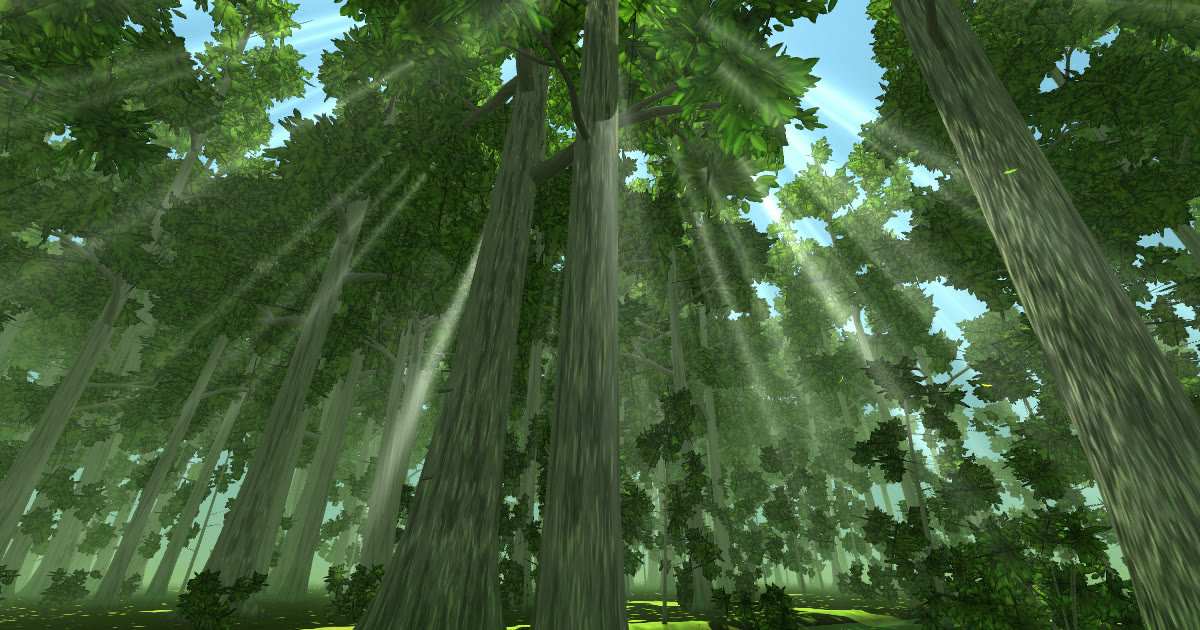
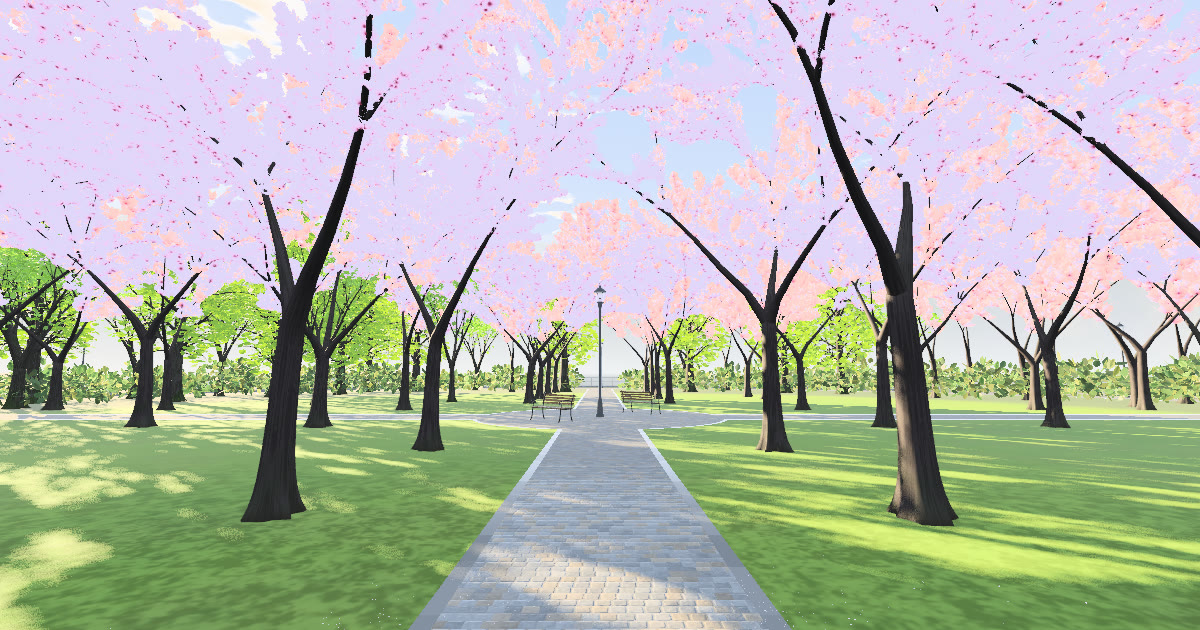
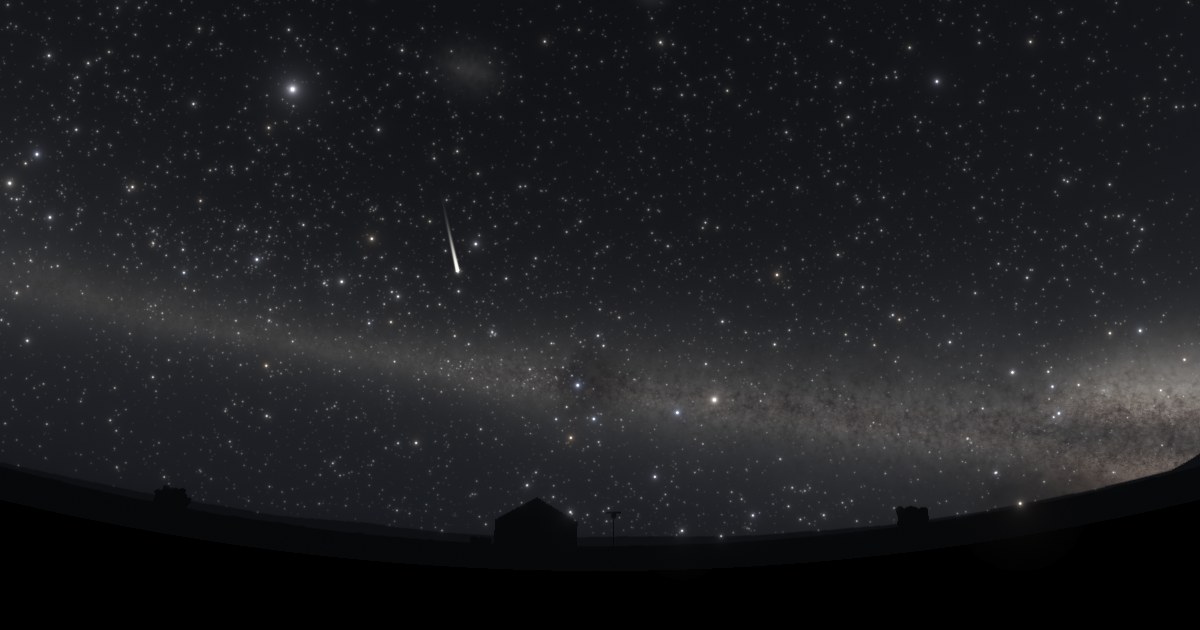
No need to manually switch scenes. Simply leave it open in fullscreen, and it smoothly rotates to the next ambient scene at your chosen interval (with automatic memory management and sleep prevention).
Audio Playback (1 Click): Browser policy may start scenes muted. Click or tap anywhere once on screen to activate gentle natural sound.
同一店舗内なら何台でも放映可能Unlimited Displays Per Venue: ご契約店舗・施設内であれば、受付のiPad、待合室のテレビ、個室モニター等で何台でも同時に異なる景色を放映いただけます。
Unlimited Displays Per Venue: A single license covers unlimited screens within the same venue (reception iPads, waiting room TVs, private room displays).
We offer bespoke enterprise customization including corner logo watermarks, clinic business hours or Wi-Fi info overlays, and scheduled day-to-night lighting synchronization.
受付のiPadや待合室のテレビでこのQRコードを読み取ると、ログイン作業なしでそのままこのポータルを開けます。Scan this QR code on your reception iPad or TV to open this portal instantly without logging in.